Flux 3 AI Video Generator for Native Audio & Connected Stories
Turn prompts, images, and footage into connected stories
Create a complete audiovisual sequence with Flux 3 AI Video Generator. Start from text, animate a still image, transform source footage, or continue an existing clip while guiding motion, key moments, dialogue, and sound.
Up to 20 seconds
Video Duration
Native audio
Audio Generation
Self-Flow
Architecture
Flux 3 AI Video Generator
Flux 3 Video720p: 15 credits/sec / 1080p: 20 credits/sec
Checking requirements...
My Videos0 total
Flux 3 AI Video Generator Features
Choose the path that matches your source material, then use references, native audio, keyframes, and continuation controls to develop the sequence.
Text to Video
Turn a written scene, action, camera direction, and mood into a new video sequence.
Image to Video
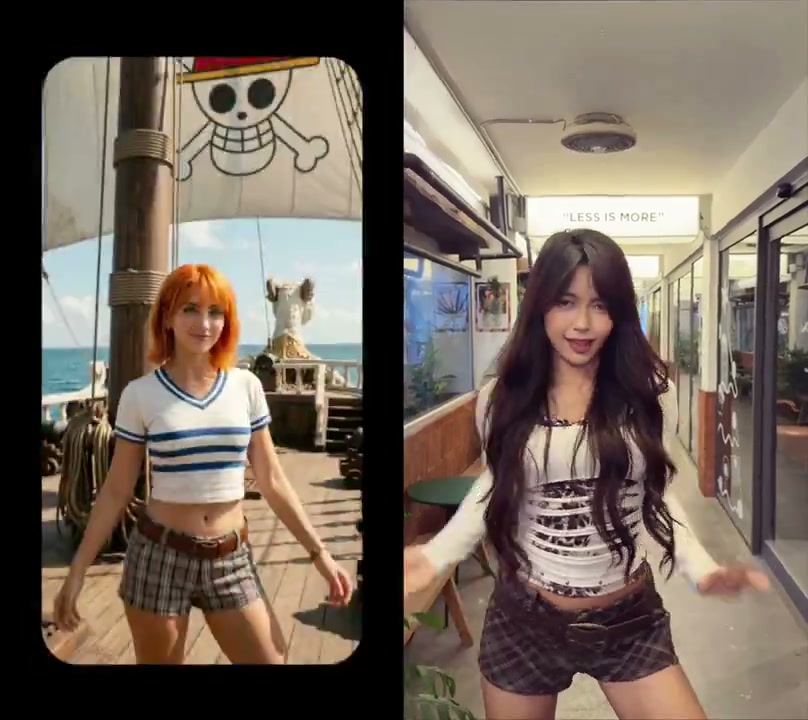
Animate a still image while keeping its subject, composition, and visual identity recognizable.
Native Audio and Dialogue
Create speech and scene-linked sound as part of the same audiovisual generation.
Audiovisual Continuation
Continue an existing clip so the next segment follows its action, timing, and creative direction.
Keyframes and Shot Direction
Define important visual moments and guide how the sequence moves between them.
Consistent Characters and Style
Use references and connected clips to preserve the central subject and visual language across scenes.
Why Creators Use Flux 3 AI Video Generator
Flux 3 Video is built for work that needs more than an isolated clip: a recognizable subject, controlled motion, native audio, and a visual direction that can continue across scenes.
Native Video and Audio
Text, Image, and Video References
Native Video and Audio
Campaign and Product Stories
Build launch concepts, product moments, and branded sequences that carry the same visual identity from shot to shot.
Native Video and Audio
Social and Editorial Video
Turn a concise brief or reference image into platform-ready clips with motion, dialogue, and scene-linked sound.
Native Video and Audio
Previsualization and Narrative Development
Explore camera ideas, key moments, character continuity, and scene progression before a larger production commitment.
Native Video and Audio
Create Your Next Story with Flux 3 AI Video Generator
Start from a prompt, image, or clip and shape a video sequence with motion, continuity, native audio, and creative control in one workflow.
Flux 3 AI Video Generator FAQ
Flux 3 Video is built for work that needs more than an isolated clip: a recognizable subject, controlled motion, native audio, and a visual direction that can continue across scenes.
What can I create with Flux 3 AI Video Generator?
Create advertising concepts, product stories, social clips, previsualization, and connected narrative sequences from text, images, source video, or an existing audiovisual segment.
Can Flux 3 AI Video Generator create native audio and dialogue?
Yes. Flux 3 Video can generate dialogue and scene-linked sound together with the visuals, helping motion, timing, and audio feel part of the same first cut.
Which inputs work with Flux 3 AI Video Generator?
Use text for a new scene, a still image for image-to-video, source footage for video-to-video, or an existing audiovisual clip when you want to continue a sequence.
How do keyframes help shape a Flux 3 video?
Keyframes define important visual moments. They help you guide transitions, camera intent, action, and scene progression instead of leaving the whole sequence to one broad prompt.
How does Flux 3 keep characters and visual direction consistent?
References and connected clips help preserve a central subject, product identity, environment, and art direction as the story moves between shots.
Can I extend an existing audiovisual sequence with Flux 3?
Yes. Audiovisual continuation lets you develop the next segment from an existing clip while carrying forward its action, timing, visual direction, and sound context.
Flux 3 AI Video & Image Generator
Flux 3 AI Video & Image Generator brings image generation, image editing, video generation, native audio, and reference-guided creation into one workspace. Move from a prompt or visual reference to consistent campaign assets, product stories, and multi-shot sequences.
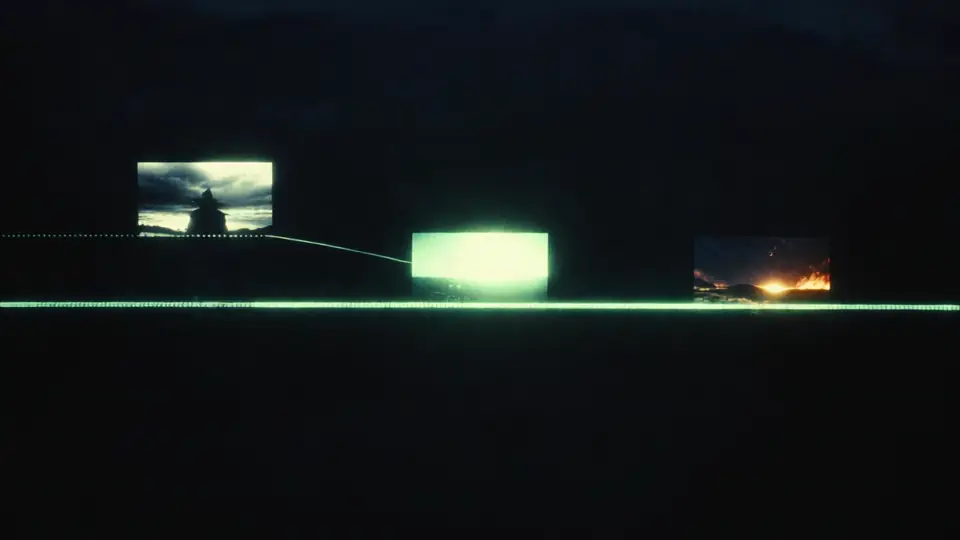
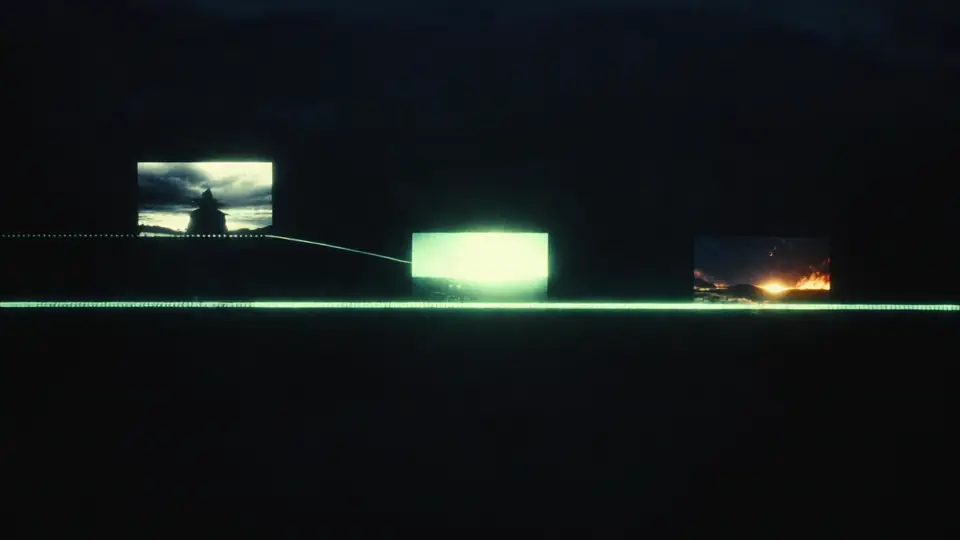
Flux 3 Multi-Shot AI Video Generator
Plan connected scenes, preserve characters and visual direction, and generate native audio as individual clips become a longer multi-shot story.
Home
Flux 3 AI Video & Image Generator brings image generation, image editing, video generation, native audio, and reference-guided creation into one workspace. Move from a prompt or visual reference to consistent campaign assets, product stories, and multi-shot sequences.
Flux 3 Image
Turn a written brief or reference image into polished visuals with Flux 3 AI Image Generator. Build product images, campaign concepts, posters, and social assets while guiding composition, style, typography, aspect ratio, and resolution.