Flux 3 AI Image Generator for Creation, Editing & Design
Create, edit, and art-direct images from one clear brief
Turn a written brief or reference image into polished visuals with Flux 3 AI Image Generator. Build product images, campaign concepts, posters, and social assets while guiding composition, style, typography, aspect ratio, and resolution.
Complex Prompt Handling
Flexible Styles and Formats
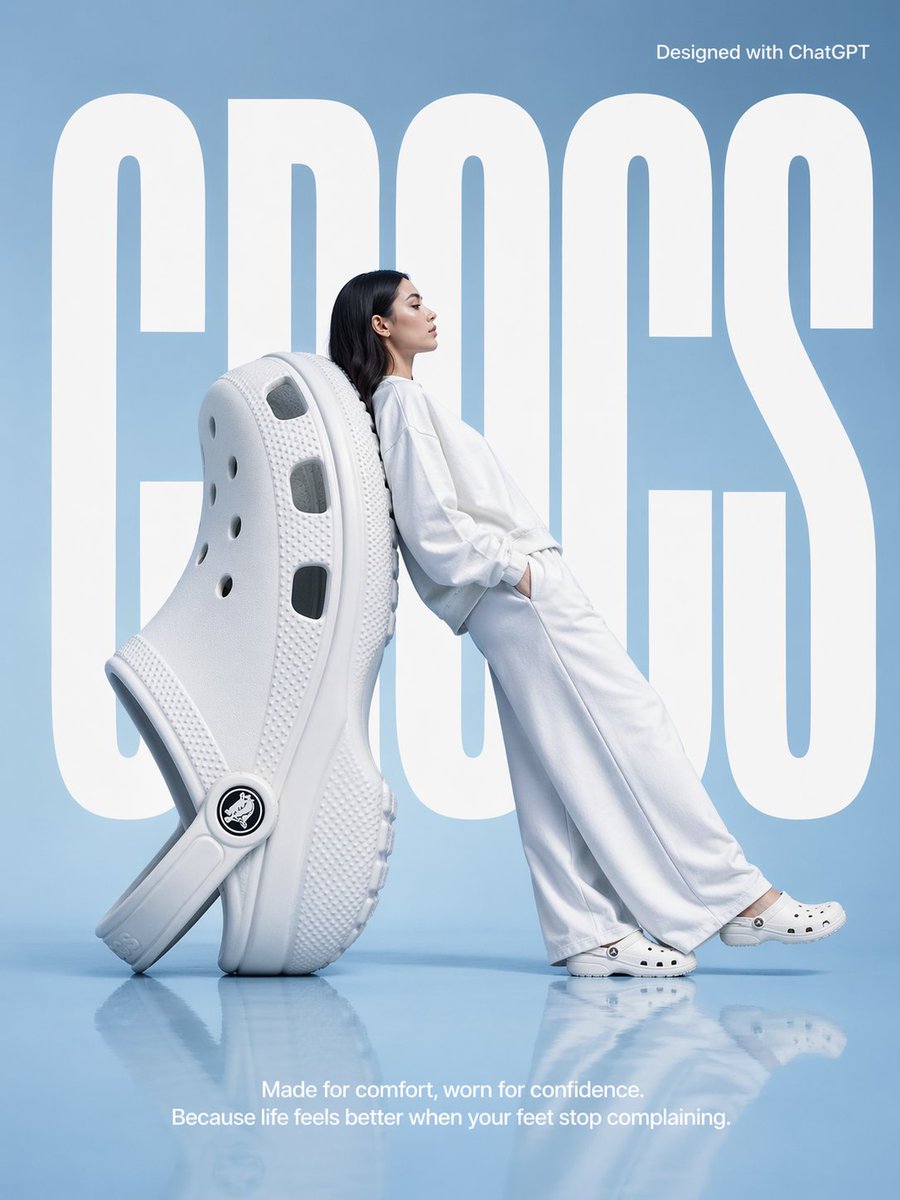
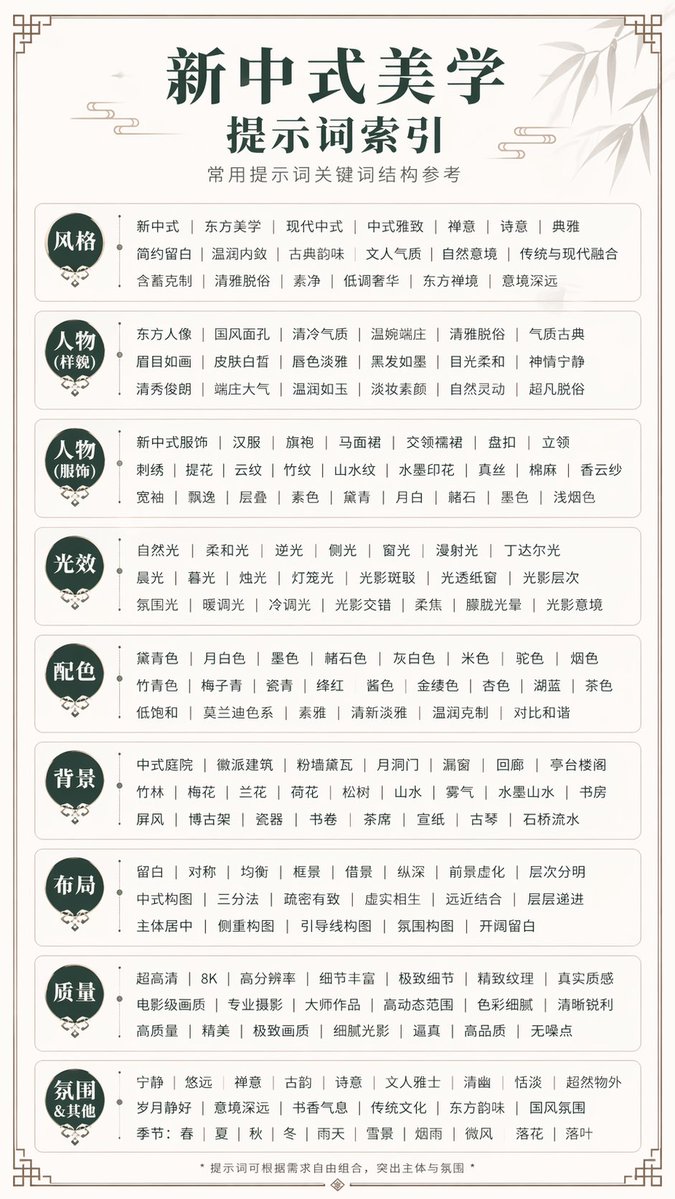
Typography and Multilingual Text
Text, image, and video
Multiple styles and formats
Flexible Styles and Formats
Flux 3 AI Image Generator creates and edits images across styles, aspect ratios, and resolutions. It follows complex prompts, preserves visual direction, and handles typography and multilingual text for brand and campaign work.
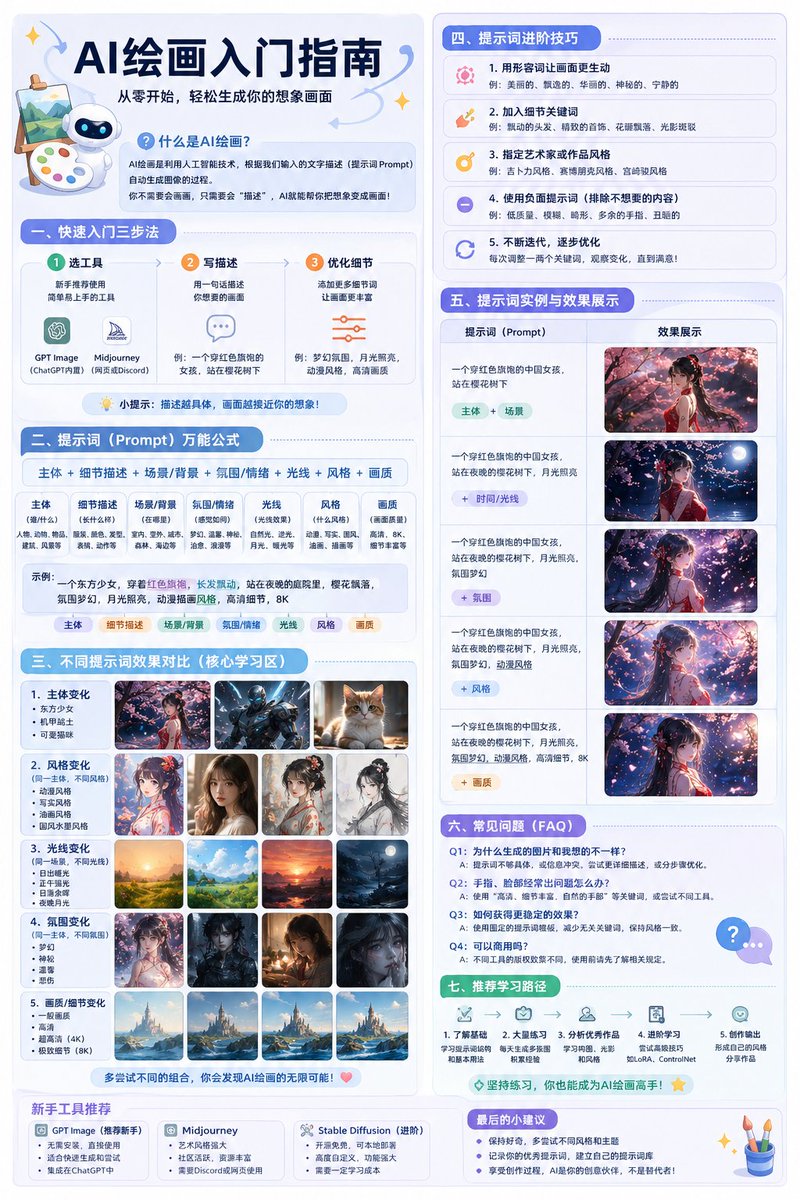
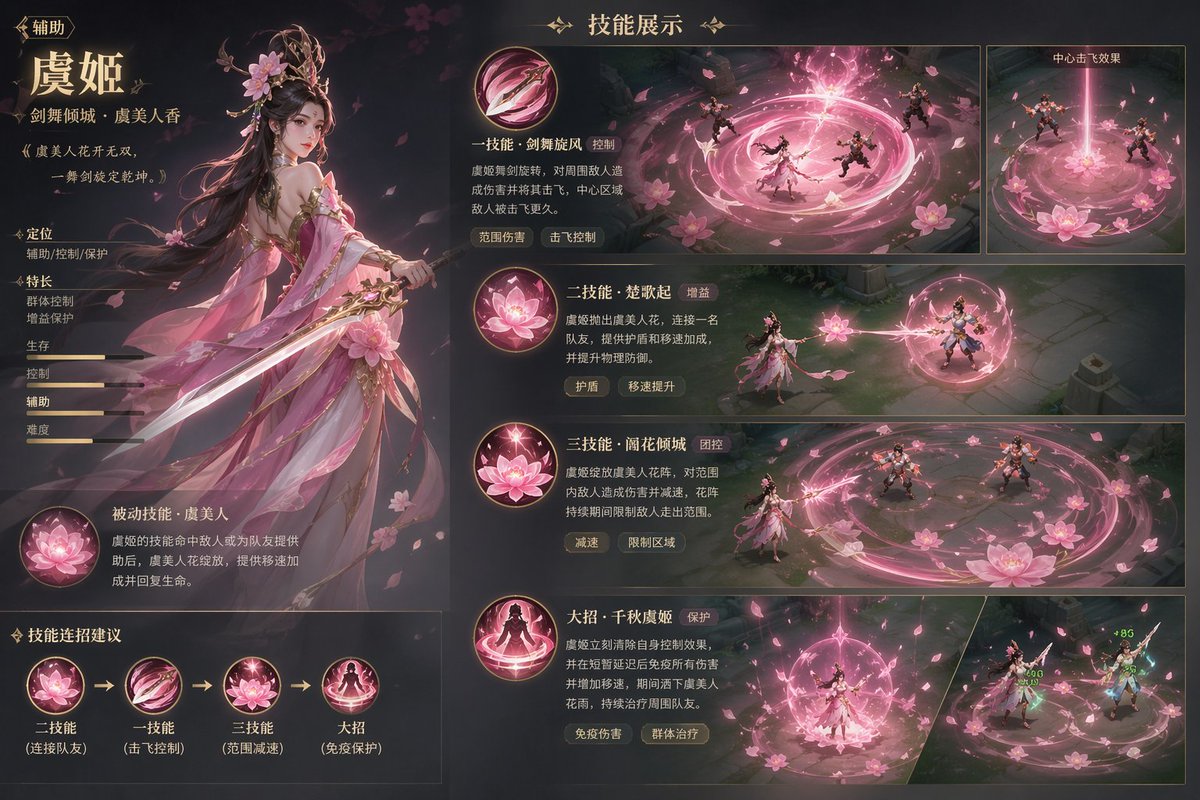
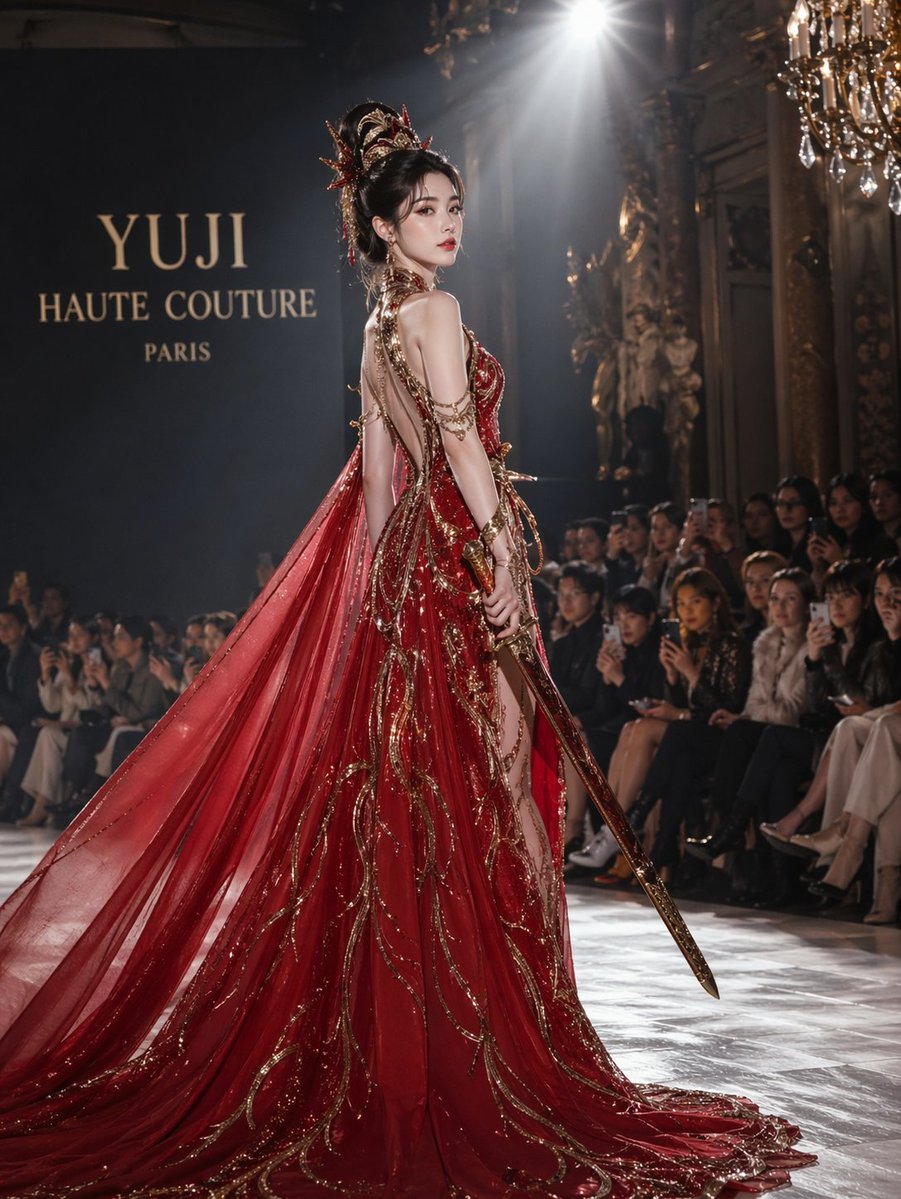
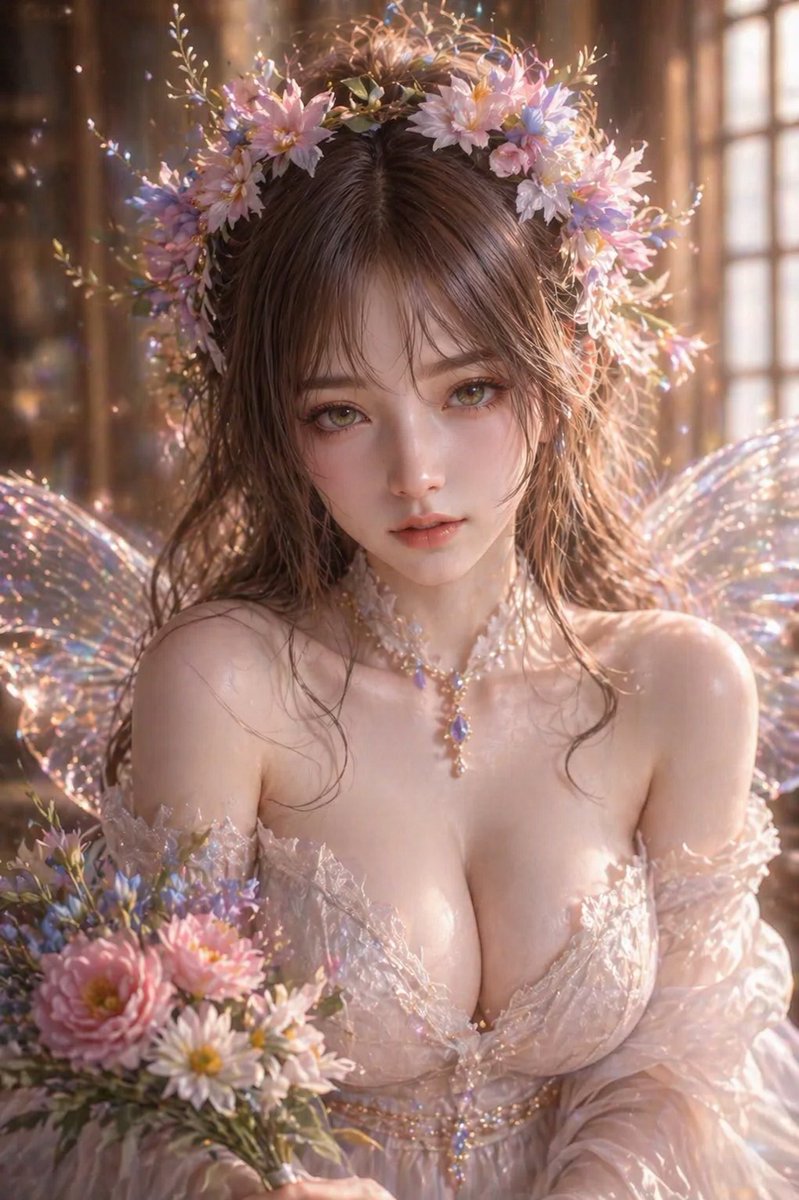
What You Can Make with Flux 3 AI Image Generator
Use Flux 3 AI Image Generator to move from a rough idea to a finished visual, or reshape an existing image without losing the direction of the original brief.
Image Generation and Editing
Generate a new composition or revise an existing image while preserving the subject, layout, and visual intent you want to keep.
Complex Prompt Handling
Describe subjects, materials, lighting, camera angle, layout, and text in one prompt; Flux 3 Image keeps those instructions connected.
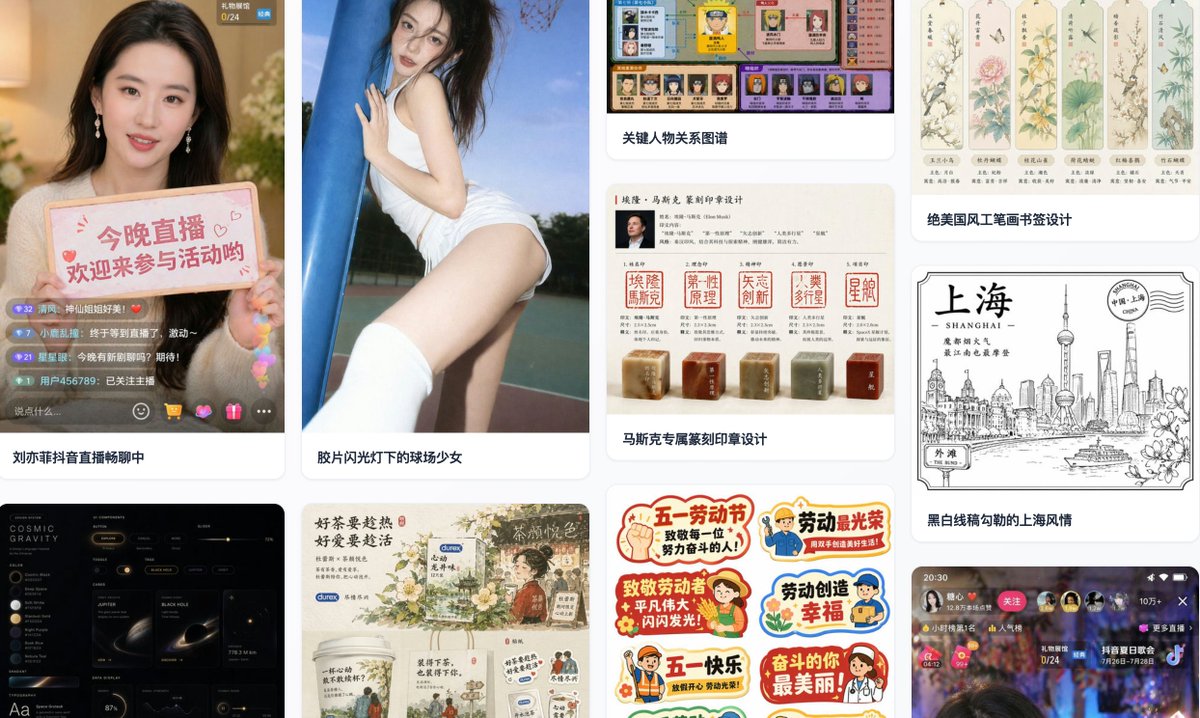
Flexible Styles and Formats
Adapt one idea across visual styles, aspect ratios, and resolutions for product pages, campaigns, social posts, and storyboards.
Text, Image, and Video References
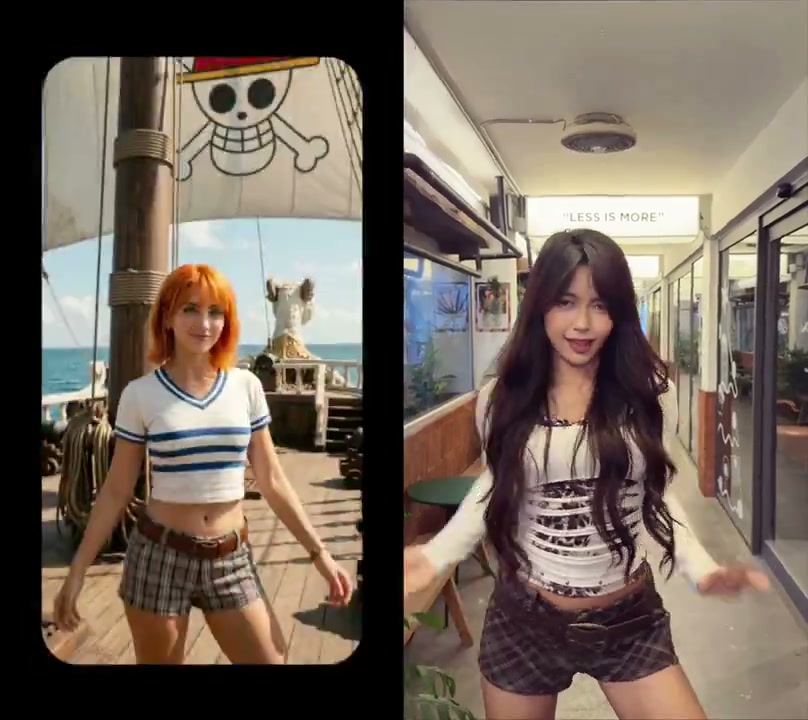
Use a reference image to guide composition, identity, color, or style instead of rebuilding the direction with words alone.
Typography and Multilingual Text
Create posters, packaging concepts, and campaign graphics with stronger control over typography and multilingual text.
Consistent Characters and Visual Direction
Carry a recognizable product, character, or art direction across a set of related images for a more coherent visual system.
Build a Repeatable Visual Workflow with Flux 3 AI Image Generator
Flux 3 AI Image Generator helps individual creators and teams move from a visual brief to related campaign assets without losing the composition, typography, or style choices that define the project.
Text, Image, and Video References
Flexible Styles and Formats
Consistent Characters and Visual Direction
Direct the whole composition in one prompt
Describe the subject, materials, lighting, camera angle, layout, and text together so the image develops around one creative brief.
Flux 3 Image keeps complex instructions connected across the composition.
Design for campaigns, products, and localization
Create product visuals, posters, social assets, and multilingual campaign concepts across the formats your channels require.
Typography, aspect ratio, resolution, and style can all be part of the same workflow.
Turn one visual direction into a coherent set
Use references and repeatable prompts to carry a product, character, palette, or art direction across related images.
A consistent visual system makes it easier to expand a strong concept into a full asset family.
Flux 3 AI Image Generator
Flux 3 AI Image Generator creates and edits images across styles, aspect ratios, and resolutions. It follows complex prompts, preserves visual direction, and handles typography and multilingual text for brand and campaign work.
Flux 3 AI Image Generator FAQ
Learn how Flux 3 Image handles generation, editing, complex prompts, references, typography, formats, and production use cases.
What can I create with Flux 3 AI Image Generator?
Create product visuals, campaign concepts, posters, social assets, storyboards, and style explorations from a prompt or visual reference.
Can Flux 3 AI Image Generator edit an existing image?
Yes. Use Flux 3 Image to revise composition, styling, text, and subject relationships while keeping the parts of the source image that still matter.
How does Flux 3 Image handle complex prompts?
Flux 3 Image can connect subjects, materials, lighting, layout, camera direction, and text inside one detailed brief, making complex creative instructions easier to manage.
Which styles, aspect ratios, and resolutions can I use?
You can create across multiple visual styles, aspect ratios, and resolutions, then adapt the result for social, editorial, product, or campaign formats.
Can Flux 3 Image render typography and multilingual text?
Yes. Flux 3 Image supports typography-focused compositions and multilingual text, which is useful for posters, packaging concepts, and localized campaign visuals.
Can I guide Flux 3 Image with visual references?
Yes. A visual reference can guide composition, identity, color, and style so you spend less time translating every visual choice into words.
Is Flux 3 AI Image Generator suitable for campaign and product work?
Yes. Flux 3 AI Image Generator is designed for repeatable visual work such as product imagery, campaign systems, social content, storyboards, and creative localization.
Flux 3 AI Video & Image Generator
Flux 3 AI Video & Image Generator brings image generation, image editing, video generation, native audio, and reference-guided creation into one workspace. Move from a prompt or visual reference to consistent campaign assets, product stories, and multi-shot sequences.
Flux 3 AI Video Generator for Native Audio & Connected Stories
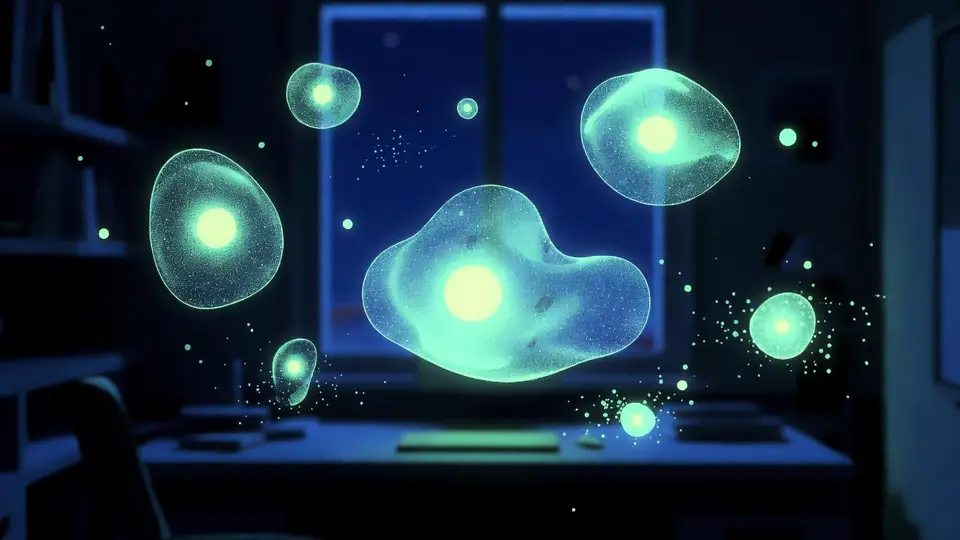
Create a complete audiovisual sequence with Flux 3 AI Video Generator. Start from text, animate a still image, transform source footage, or continue an existing clip while guiding motion, key moments, dialogue, and sound.
Home
Flux 3 AI Video & Image Generator brings image generation, image editing, video generation, native audio, and reference-guided creation into one workspace. Move from a prompt or visual reference to consistent campaign assets, product stories, and multi-shot sequences.
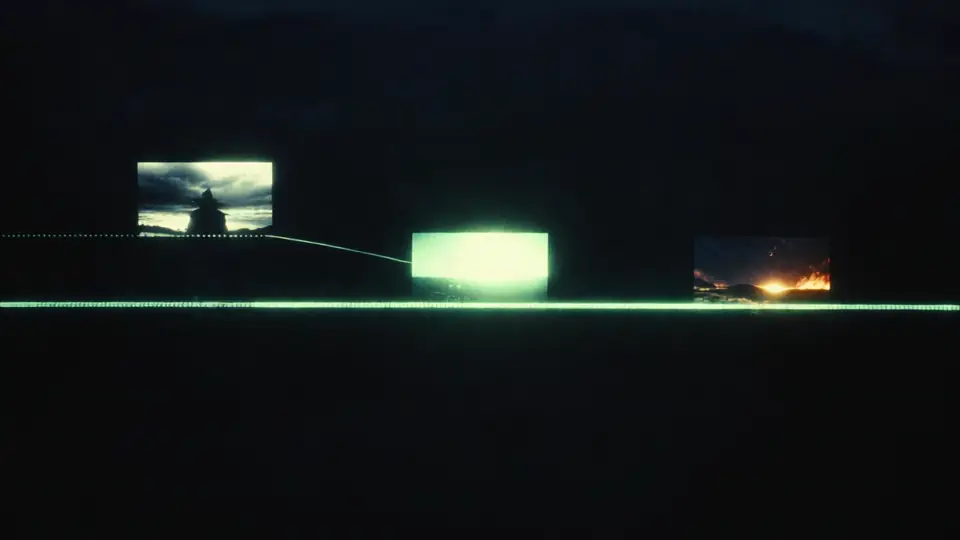
Flux 3 Multi-Shot AI Video Generator
Plan connected scenes, preserve characters and visual direction, and generate native audio as individual clips become a longer multi-shot story.