Flux 3 AI Video & Image Generator for Multimodal Creation
Flux 3 AI Video Generator and Flux 3 AI Image Generator in one workflow
Flux 3 AI Video & Image Generator brings image generation, image editing, video generation, native audio, and reference-guided creation into one workspace. Move from a prompt or visual reference to consistent campaign assets, product stories, and multi-shot sequences.
Self-Flow Foundation
Up to 20 seconds
Native audio
Text, image, and video
Multiple styles and formats
Flexible Styles and Formats
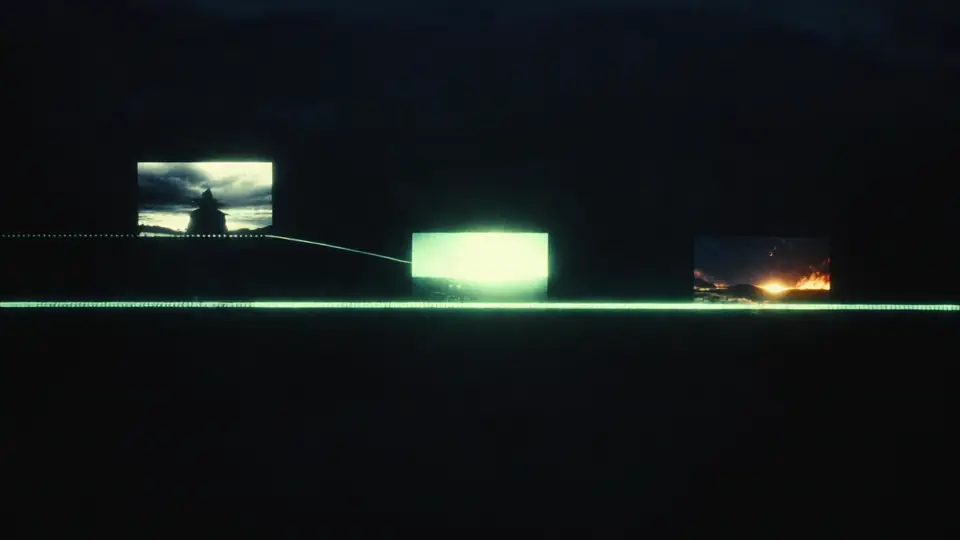
Generate from text description
480p costs 3 credits/s, 720p costs 5 credits/s.
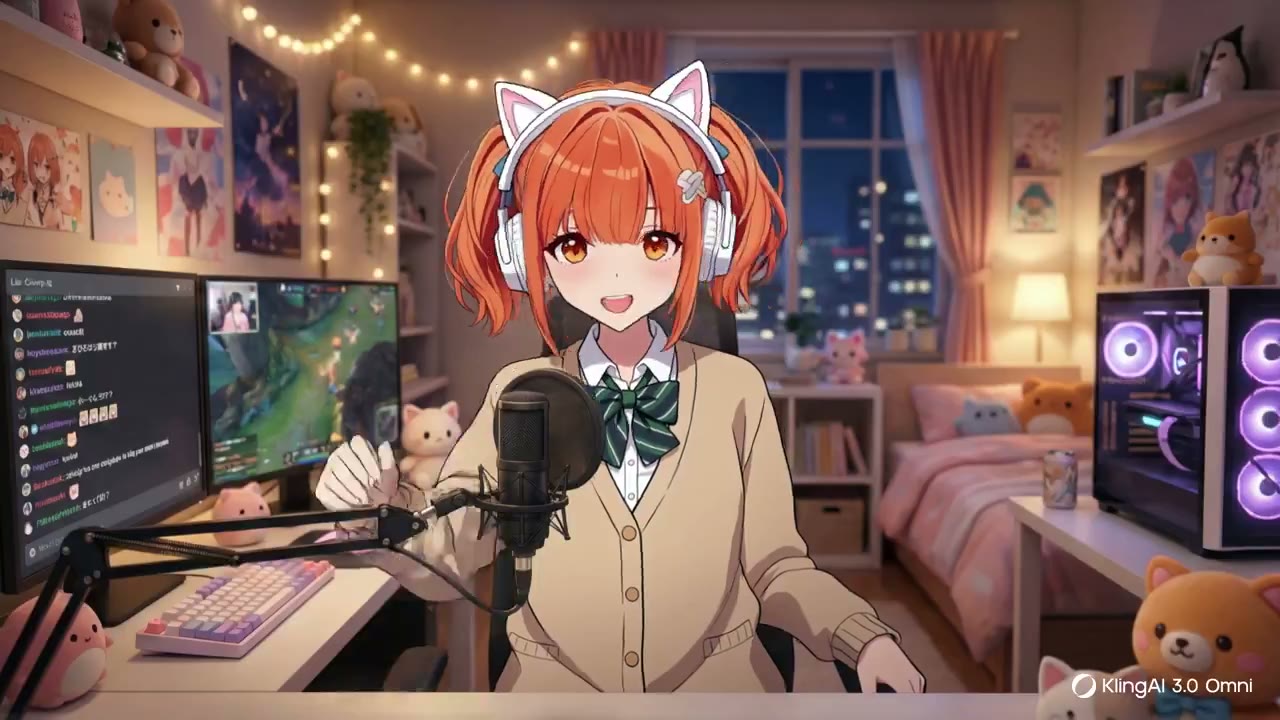

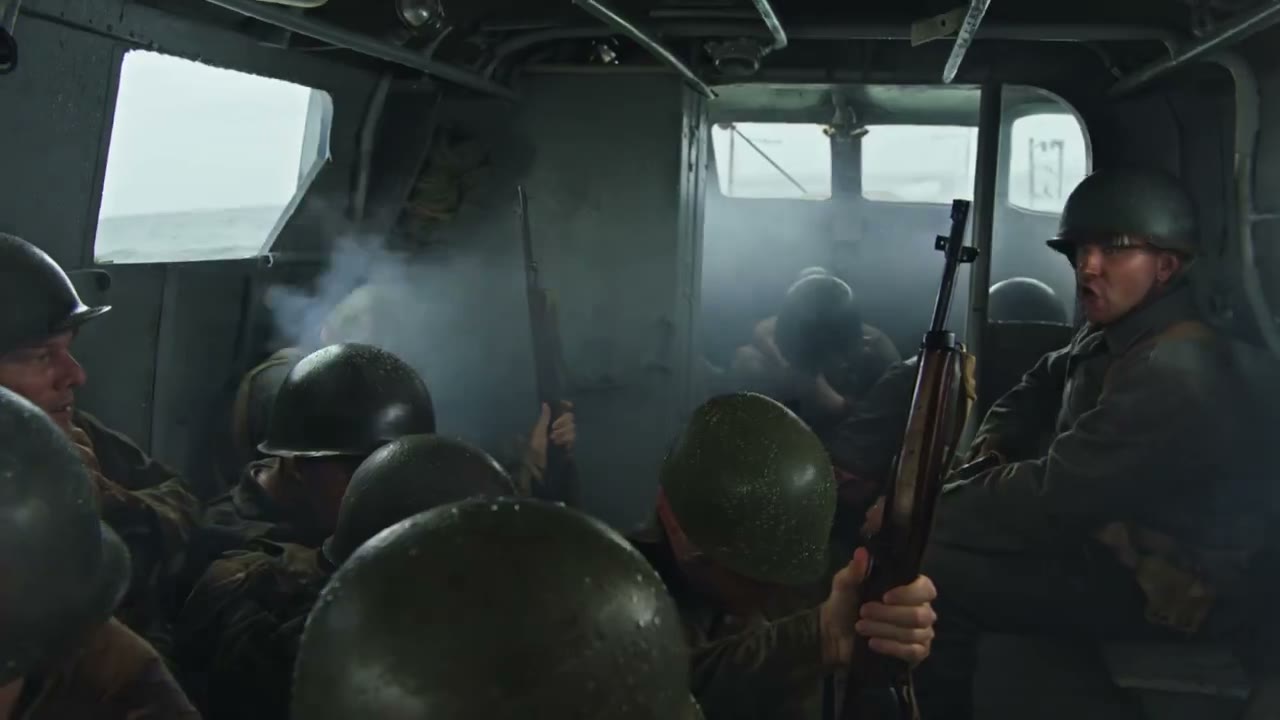
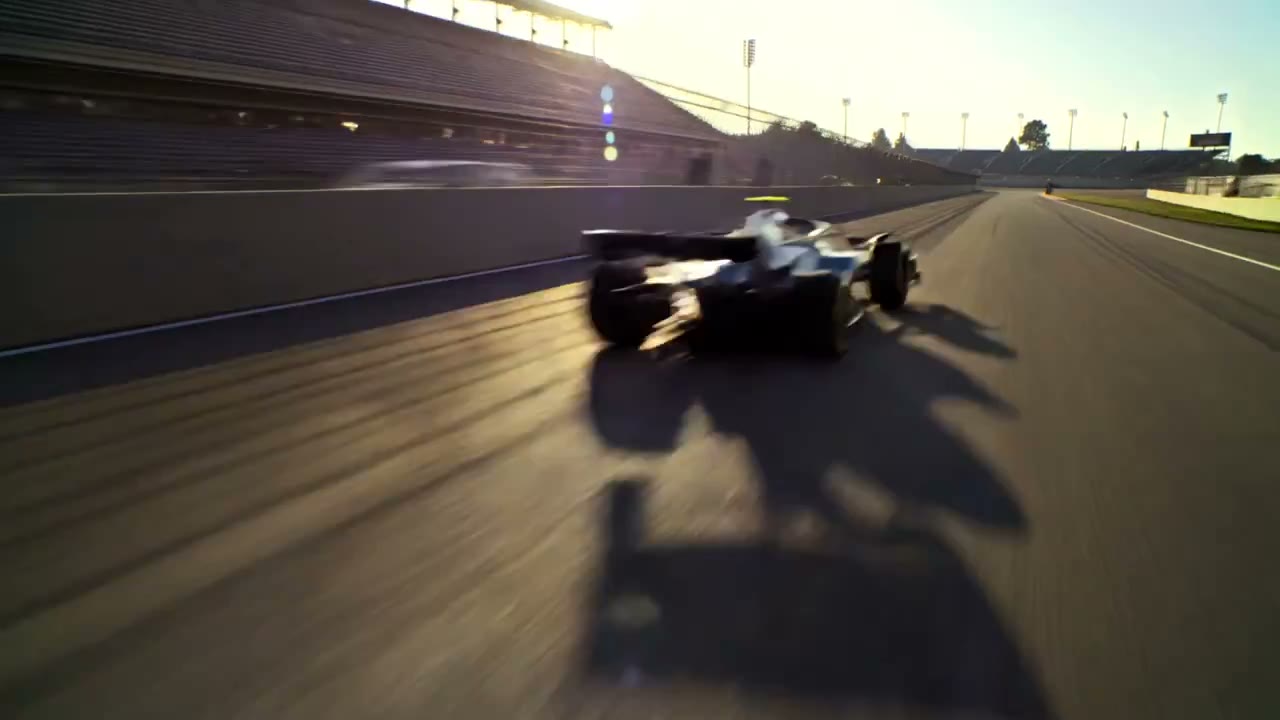
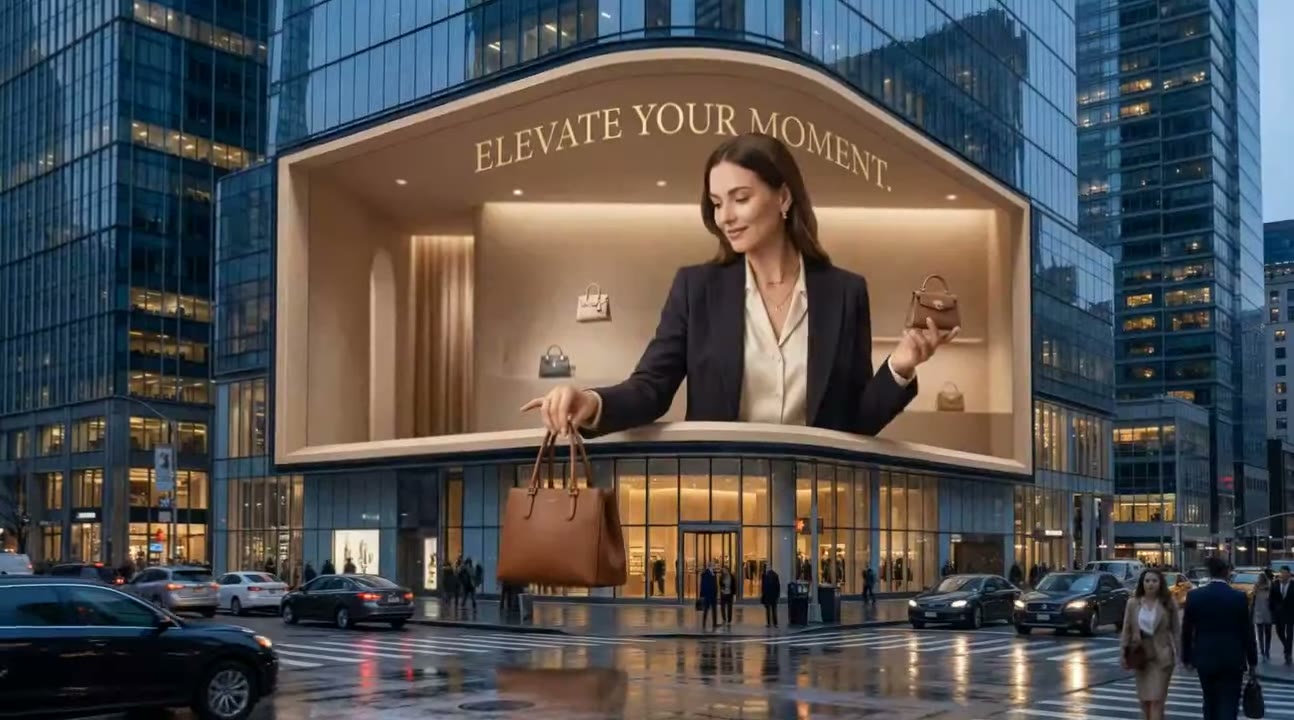

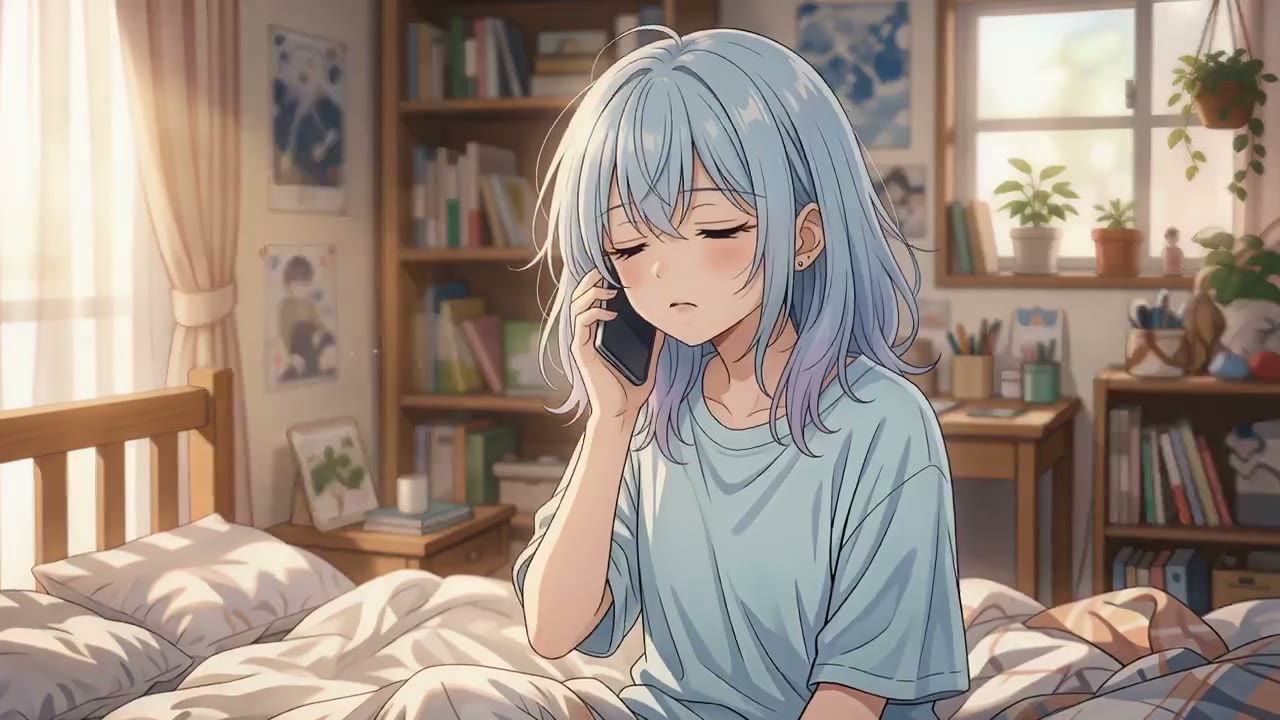
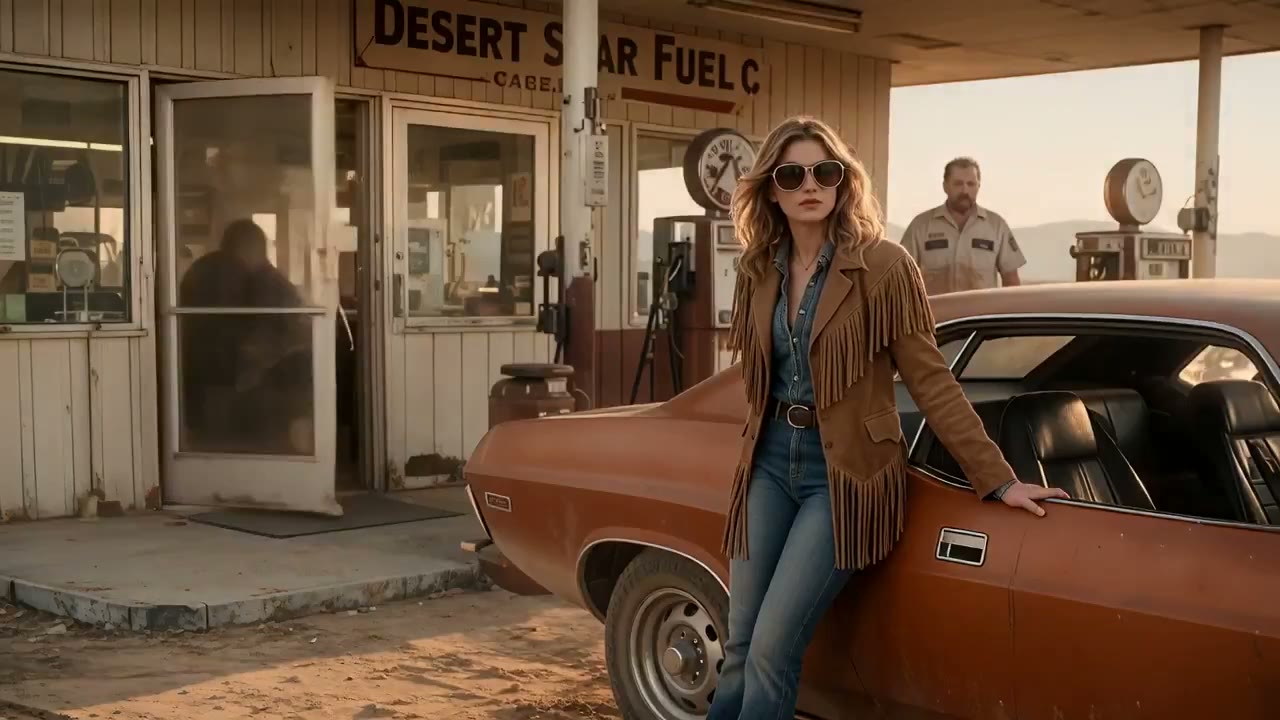
What Is the Flux 3 AI Video & Image Generator?
The Flux 3 AI Video & Image Generator unifies image generation, image editing, video creation, and native audio. It reads prompts and visual references as parts of the same brief, helping a concept stay coherent from a single image to a connected video sequence.
Text, Image, and Video References
Start from a prompt, animate an image, carry a subject from a source clip, or continue an existing audiovisual sequence.
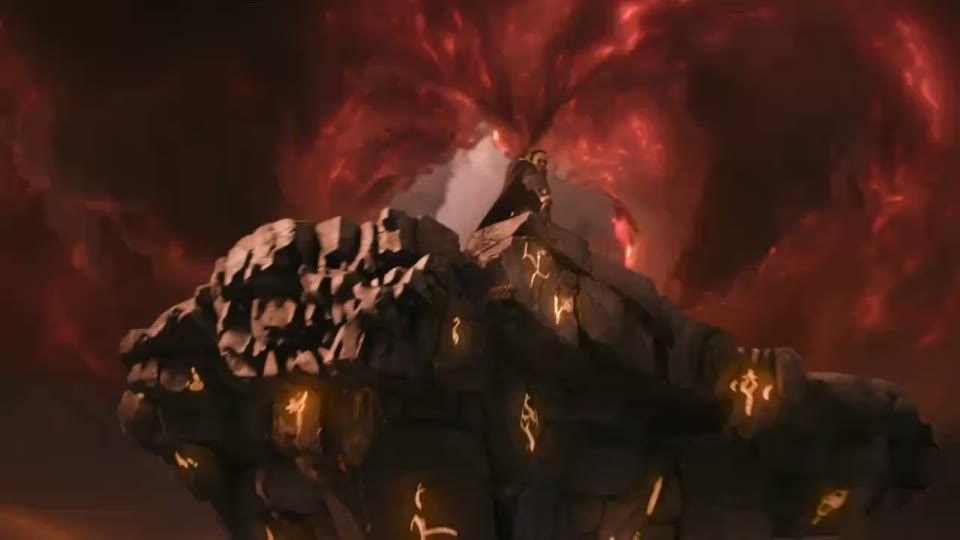
Self-Flow Foundation
Self-Flow combines representation learning with generative training and uses different noise levels across tokens to learn stronger context.
Move from creative intent to a reusable image or video asset in four focused steps.
Define the deliverable
Describe the scene, audience, format, and visual direction you need.
Guide the generation
Set the workflow, key moments, dialogue, and creative constraints.
Review and continue
Refine the result, extend the sequence, or adapt it for another channel.
Consistent Characters and Visual Direction
Use references and connected clips to carry central subjects, product identity, typography, and style across a sequence.
Character and style continuity
Native Video and Audio
Generate video and audio together, including dialogue and sounds linked to visible events, for a more coherent first cut.
Native audio
How Flux 3 AI Video & Image Generator Understands Creative Direction
Flux 3 AI Video & Image Generator uses its Self-Flow foundation to connect subjects, composition, motion, timing, and sound across text, image, and video inputs.
Self-Flow Foundation
Self-Flow combines representation learning with generative training and uses different noise levels across tokens to learn stronger context.

Native Video and Audio
Generate video and audio together, including dialogue and sounds linked to visible events, for a more coherent first cut.
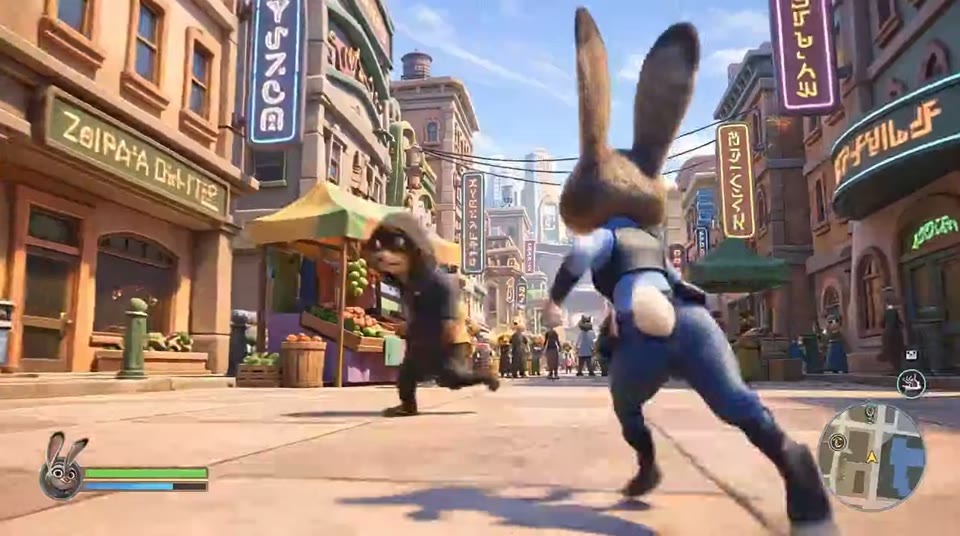
Keyframes and Creative Control
Define important moments and guide transitions between them while keeping camera, motion, and scene intent clear.
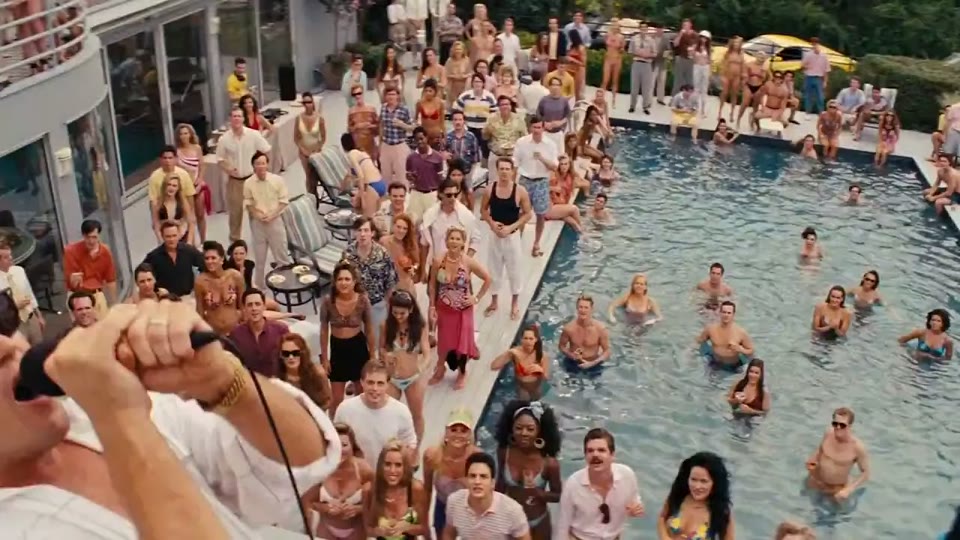
Flexible Styles and Formats
Create across visual styles, aspect ratios, and resolutions for social posts, product pages, storyboards, and campaign systems.
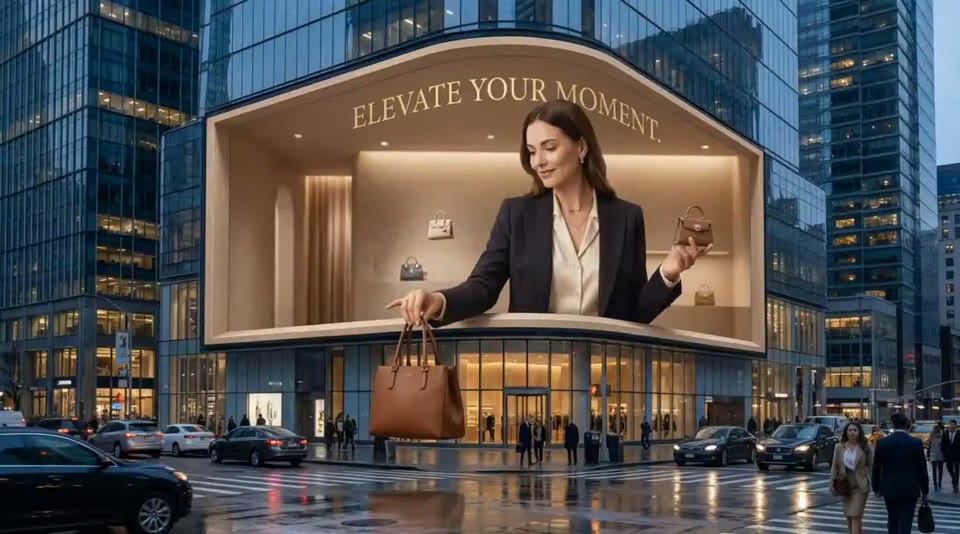
How to Use Flux 3 AI Video & Image Generator
Start with the asset you need, add references when continuity matters, then refine the image or video while keeping the same creative direction.
Define the deliverable
Describe the scene, audience, format, and visual direction you need.
ContextScriptAdd references
Upload an image or video when identity, composition, or continuity matters.
StyleLoRAGuide the generation
Set the workflow, key moments, dialogue, and creative constraints.
DirectorAnglesReview and continue
Refine the result, extend the sequence, or adapt it for another channel.
UpscaleExport
What You Can Create with Flux 3 AI Video & Image Generator
Use Flux 3 AI Video & Image Generator for campaign concepts, product visuals, social clips, storyboards, localized creative, and connected narrative sequences.
Flux 3 AI Video Generator
+
Flux 3 AI Video Generator creates up to 20 seconds of video with native audio from text, images, or video references. Use image-to-video, video-to-video, audiovisual continuation, keyframes, multilingual dialogue, and connected shots to shape a complete story.
Flux 3 AI Image Generator
+
Flux 3 AI Image Generator creates and edits images across styles, aspect ratios, and resolutions. It follows complex prompts, preserves visual direction, and handles typography and multilingual text for brand and campaign work.
Text, Image, and Video References
Start from a prompt, animate an image, carry a subject from a source clip, or continue an existing audiovisual sequence.
Consistent Characters and Visual Direction
Use references and connected clips to carry central subjects, product identity, typography, and style across a sequence.
One Flux 3 AI Video & Image Generator, Two Focused Workflows
Choose Flux 3 AI Video Generator for motion, audio, and connected shots, or Flux 3 AI Image Generator for image creation, editing, typography, and layout.
Flux 3 AI Video Generator
Flux 3 AI Video Generator creates up to 20 seconds of video with native audio from text, images, or video references. Use image-to-video, video-to-video, audiovisual continuation, keyframes, multilingual dialogue, and connected shots to shape a complete story.
Flux 3 AI Image Generator
Flux 3 AI Image Generator creates and edits images across styles, aspect ratios, and resolutions. It follows complex prompts, preserves visual direction, and handles typography and multilingual text for brand and campaign work.
Keyframes and Creative Control
Define important moments and guide transitions between them while keeping camera, motion, and scene intent clear.
Flux 3 AI Video & Image Generator Pricing
Choose a credit plan for Flux 3 AI Image Generator and Flux 3 AI Video Generator workflows, with generation history and the commercial usage options offered by this service.
Basic
360 credits each month, ideal for consistent creators.
- 360 credits monthly (≈36 videos)
- Create consistent images and videos with reference-guided control, native audio, editing, and connected creative workflows.
- Commercial-ready output
- Email support
Pro
1520 credits and priority processing for growing teams.
- 1520 credits monthly (≈132 videos)
- Priority processing queues
- Create consistent images and videos with reference-guided control, native audio, editing, and connected creative workflows.
- Priority support
Studio
3600 credits, fastest queues, and dedicated assistance.
- 3600 credits monthly (≈360 videos)
- Create consistent images and videos with reference-guided control, native audio, editing, and connected creative workflows.
- Dedicated account manager
- Create consistent images and videos with reference-guided control, native audio, editing, and connected creative workflows.
Flux 3 AI Video & Image Generator FAQ
Find practical answers about the Flux 3 AI Video Generator, Flux 3 AI Image Generator, reference inputs, native audio, editing, keyframes, and connected creative workflows.
Flux 3 learns from images, video, and audio together so visual appearance, motion, timing, and sound can inform the same creative workflow.
Flux 3 AI Video Generator creates up to 20 seconds of video with native audio from text, images, or video references. Use image-to-video, video-to-video, audiovisual continuation, keyframes, multilingual dialogue, and connected shots to shape a complete story.
Flux 3 AI Image Generator creates and edits images across styles, aspect ratios, and resolutions. It follows complex prompts, preserves visual direction, and handles typography and multilingual text for brand and campaign work.
Start from a prompt, animate an image, carry a subject from a source clip, or continue an existing audiovisual sequence.
Generate video and audio together, including dialogue and sounds linked to visible events, for a more coherent first cut.
Use references and connected clips to carry central subjects, product identity, typography, and style across a sequence.
Flux 3 AI Video & Image Generator
Flux 3 AI Video & Image Generator brings image generation, image editing, video generation, native audio, and reference-guided creation into one workspace. Move from a prompt or visual reference to consistent campaign assets, product stories, and multi-shot sequences.
Flux 3 Image
Turn a written brief or reference image into polished visuals with Flux 3 AI Image Generator. Build product images, campaign concepts, posters, and social assets while guiding composition, style, typography, aspect ratio, and resolution.
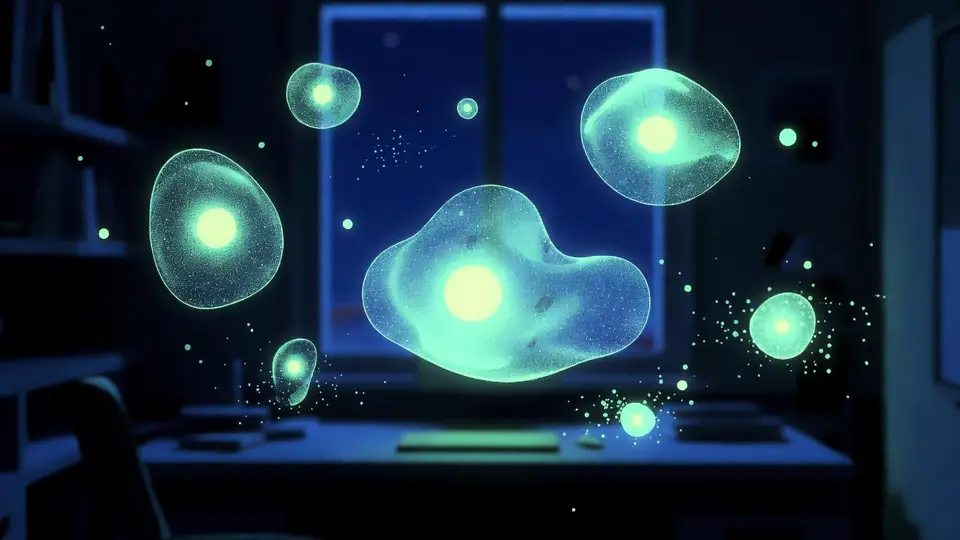
Flux 3 AI Video Generator for Native Audio & Connected Stories
Create a complete audiovisual sequence with Flux 3 AI Video Generator. Start from text, animate a still image, transform source footage, or continue an existing clip while guiding motion, key moments, dialogue, and sound.
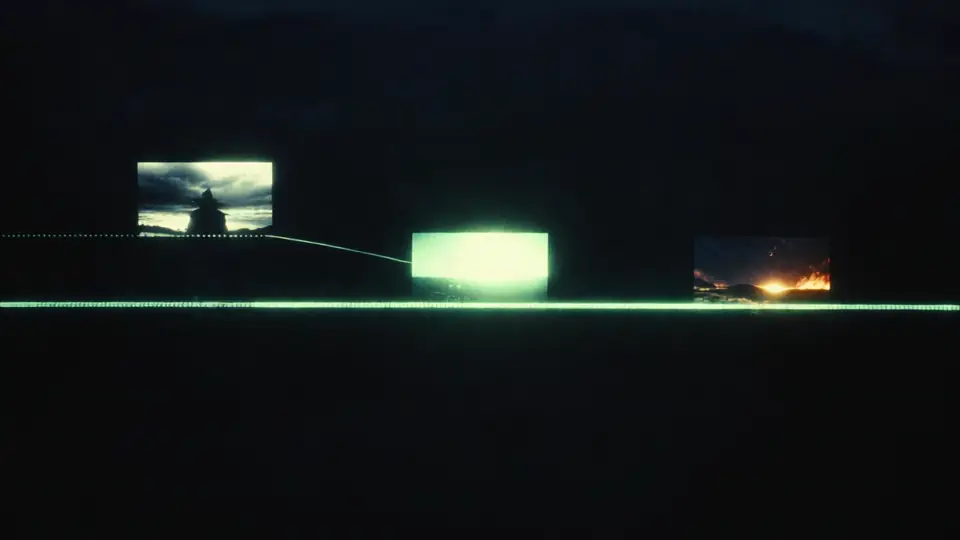
Flux 3 Multi-Shot AI Video Generator
Plan connected scenes, preserve characters and visual direction, and generate native audio as individual clips become a longer multi-shot story.